

This feature is available as an addon or with an Enterprise plan. Contact us to enable it.
When to use this
Server-to-server APIs
Keys should only work from your customer’s known server IPs.
Partner integrations
Restrict partner keys to their office or datacenter IPs.
Internal tools
Ensure internal API keys only work from corporate network.
Compliance
Meet security requirements that mandate IP-based access control.
How it works
- Configure allowed IP addresses or CIDR ranges on a key
- When the key is verified, Unkey checks the request’s source IP
- If the IP isn’t in the whitelist, verification fails with
code: FORBIDDEN
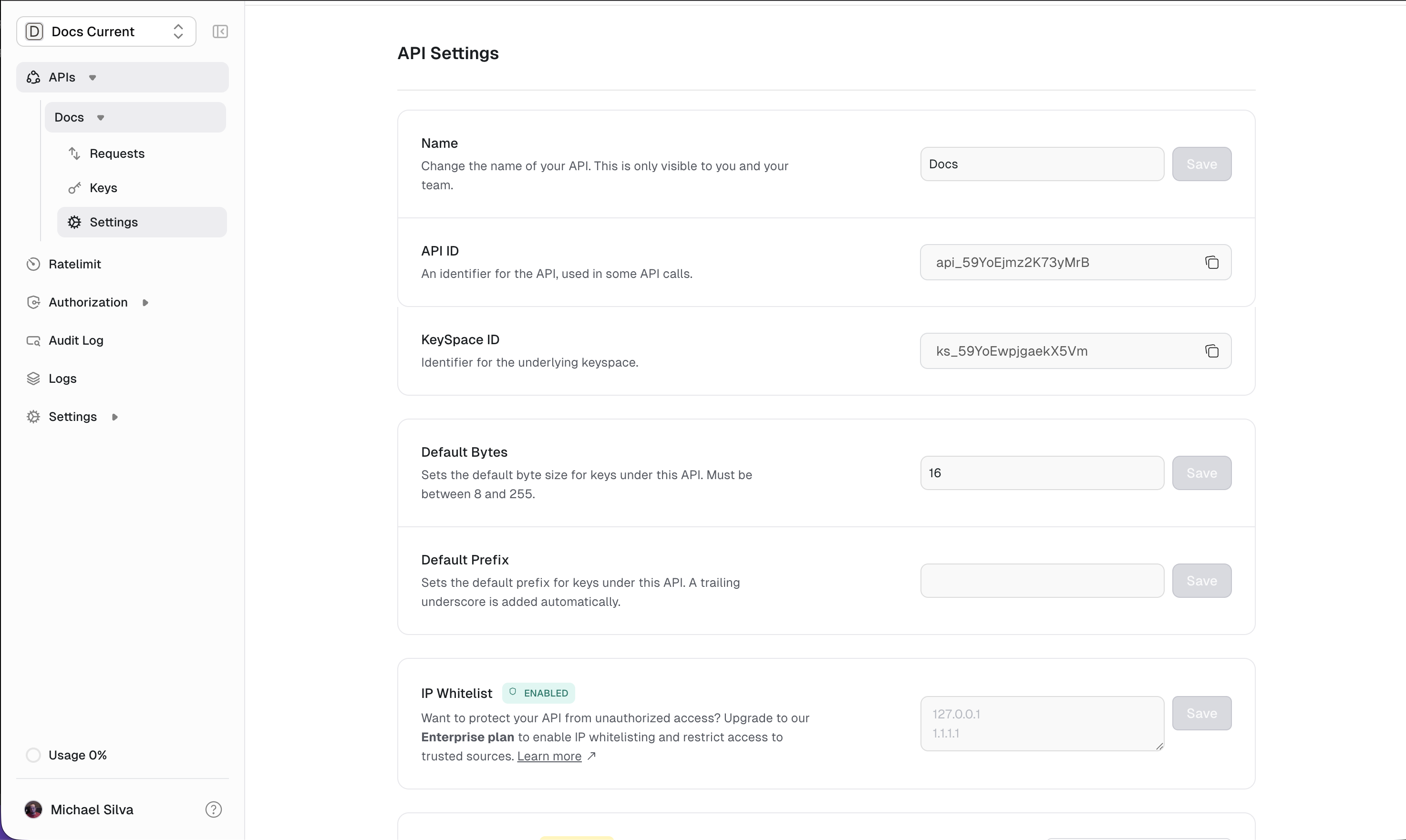
Configuration
IP whitelisting is configured through the dashboard: Supports:- Individual IPv4 addresses:
192.168.1.100 - IPv4 CIDR ranges:
10.0.0.0/8 - IPv6 addresses and ranges:
2001:db8::/32
Verification response
When a request comes from a non-whitelisted IP:Combining with other security features
IP whitelisting works alongside other key features:- Rate limiting: Still applies after IP check passes
- Permissions: Authorization checks happen after IP verification
- Expiration: Key must be valid AND IP must be whitelisted
Best practices
Use CIDR ranges for flexibility
Use CIDR ranges for flexibility
Instead of listing individual IPs, use CIDR notation (
10.0.0.0/24) so customers can add servers without updating the whitelist.Document for your users
Document for your users
Let users know they need to provide IPs when requesting keys. Dynamic IPs won’t work reliably.
Consider fallback options
Consider fallback options
For users with dynamic IPs, you might offer keys without IP restrictions but with stricter rate limits.